A contact form is one of the easiest ways for customers to get in touch with your business.
Unfortunately, it's also one of the easiest entry points for automated spam, phishing attempts, and malicious bots.
Good contact form security isn't just about blocking attacks—it's about protecting your website while keeping the experience simple for genuine visitors.
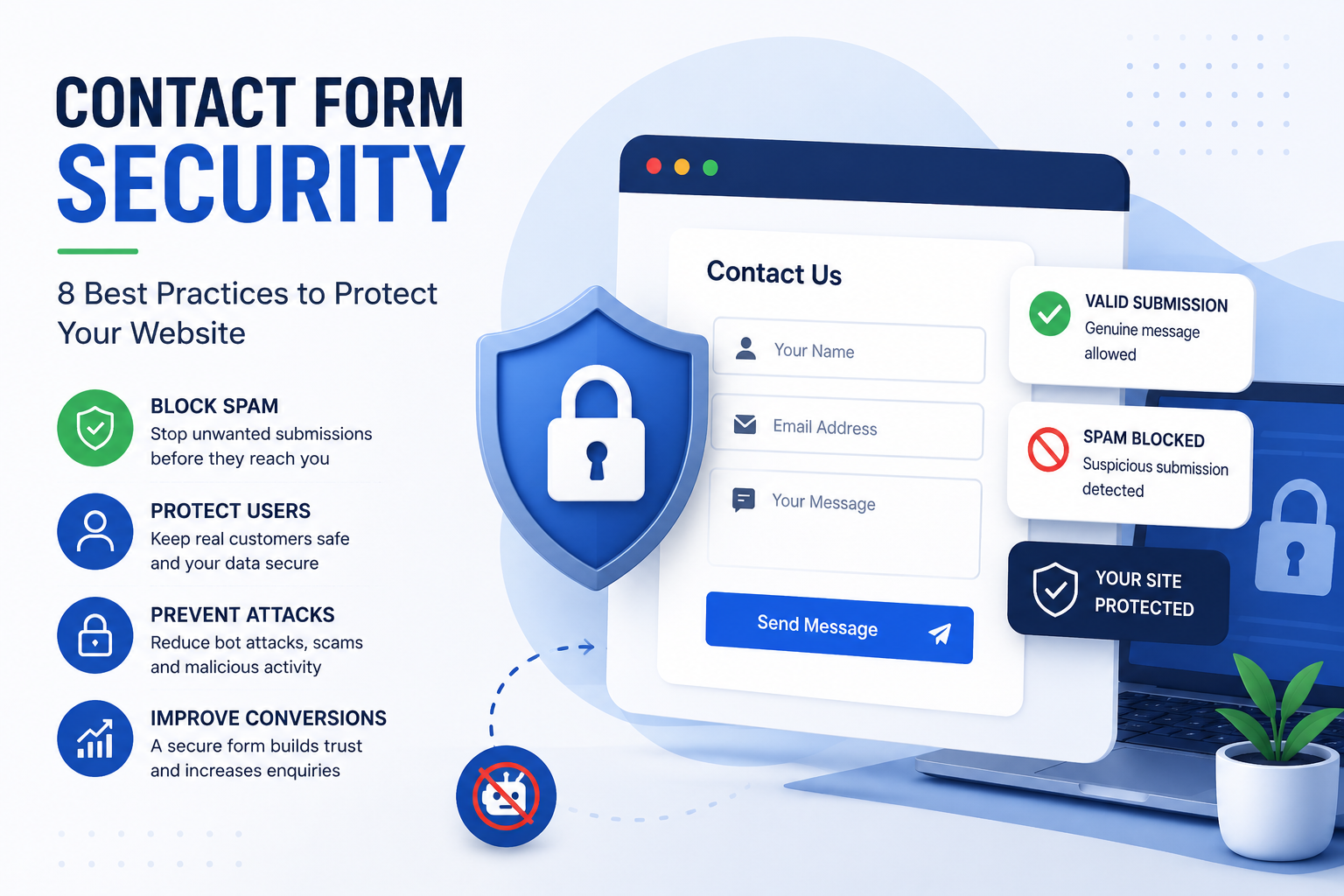
Here are eight best practices every website owner should follow.
1. Don't Rely on CAPTCHA Alone
CAPTCHA can stop some automated bots, but it also creates friction for legitimate users.
Modern bots are increasingly capable of bypassing traditional CAPTCHA challenges, while real visitors may abandon a form rather than complete an extra step.
A better approach is to combine multiple security signals instead of relying on a single defence.
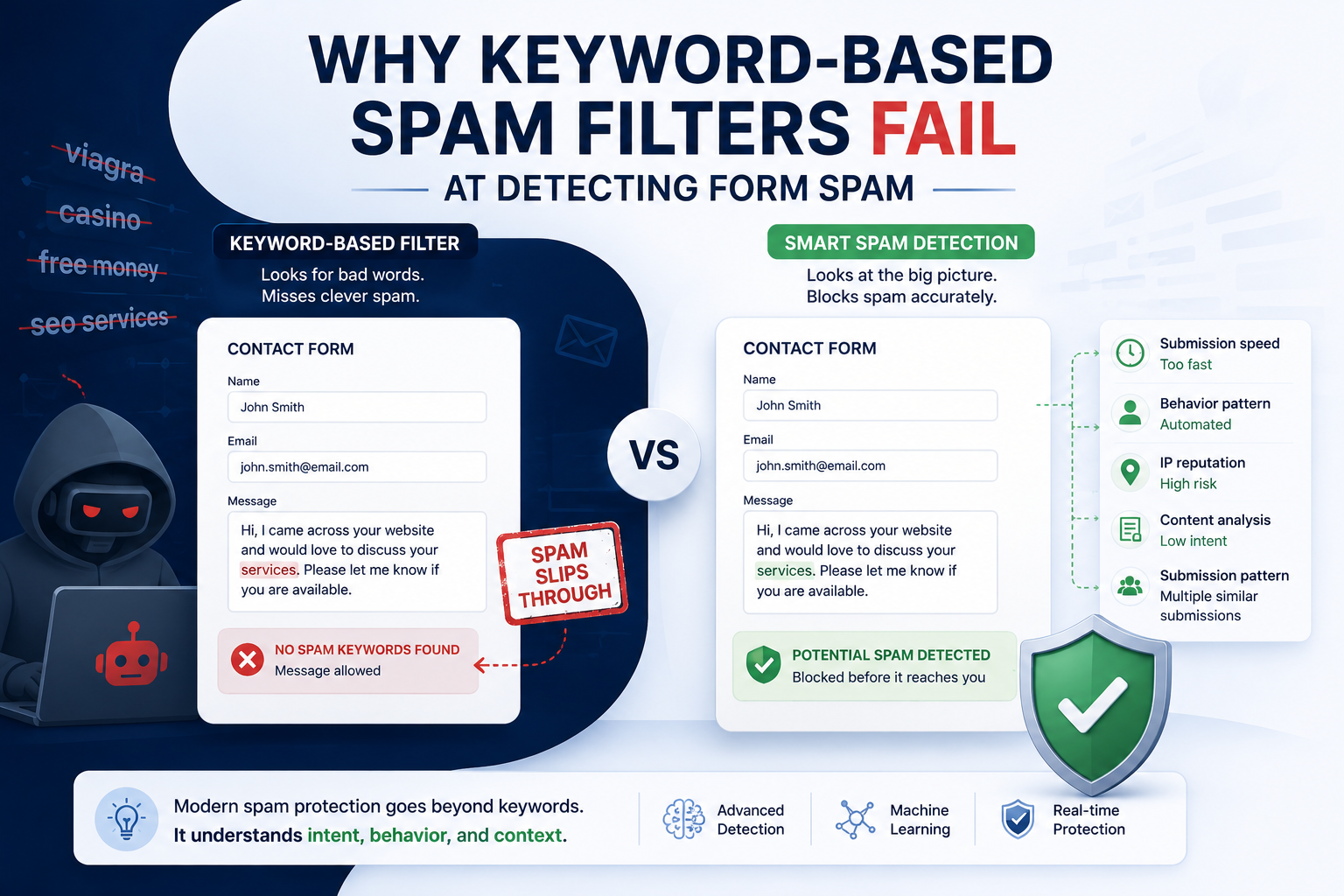
2. Analyse Behaviour Instead of Just Keywords
Many older spam filters only look for suspicious words.
Modern spam detection looks at behaviour as well.
For example:
- How quickly was the form completed?
- Does the interaction look automated?
- Are there unusual submission patterns?
Looking at multiple signals provides a more accurate way to distinguish genuine enquiries from spam.
3. Validate Every Form Field
Never assume the information entered into a form is safe.
Validate:
- Email addresses
- Phone numbers
- Required fields
- Message length
- Special characters
Proper validation reduces invalid submissions and helps protect your application.
4. Limit Repeated Submissions
Bots often submit the same form repeatedly within seconds.
Rate limiting helps reduce automated attacks without affecting normal visitors.
This simple step can dramatically reduce spam volume.
5. Monitor Suspicious Patterns
A single spam message may not reveal much.
However, repeated submissions from similar sources or with similar content often indicate an automated campaign.
Monitoring submission patterns makes spam easier to identify before it overwhelms your inbox.
6. Keep Your Website Updated
Outdated plugins, themes, and CMS software can introduce security vulnerabilities.
Keeping your website updated reduces the risk of attackers exploiting known weaknesses.
Security starts long before someone clicks the Submit button.
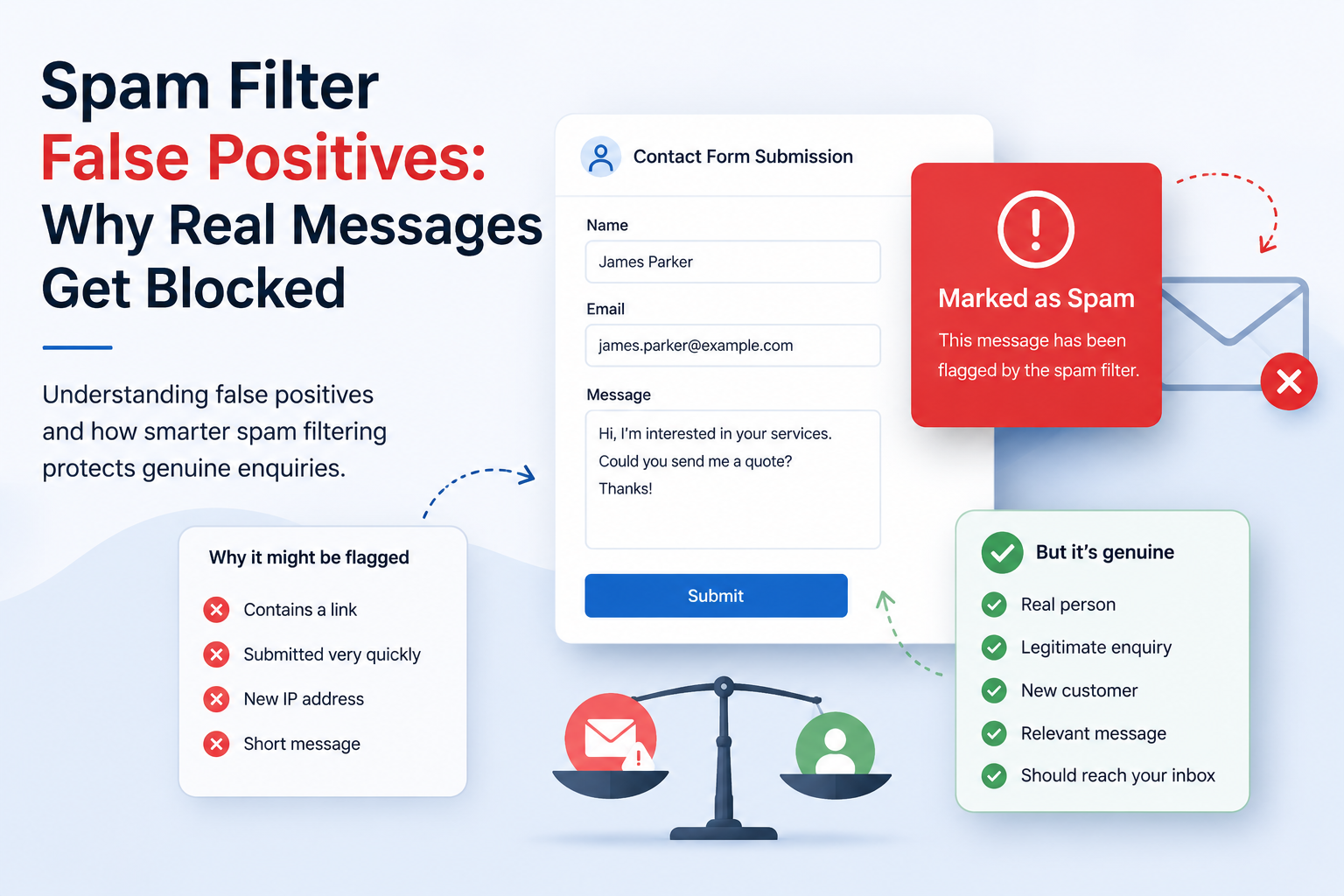
7. Protect Genuine Customer Enquiries
The goal isn't to block as many submissions as possible.
The goal is to protect real customer enquiries while filtering out unwanted messages.
A contact form exists to generate leads—not to create obstacles for legitimate visitors.
Finding the right balance is one of the most important aspects of effective contact form security.
8. Use Intelligent Spam Protection
Modern spam protection combines multiple signals, including:
- Behaviour
- Submission timing
- Content analysis
- Pattern recognition
- Context
Instead of asking every visitor to prove they're human, intelligent systems work quietly in the background to identify suspicious submissions.
Security Shouldn't Hurt Conversions
The most secure contact form isn't the one that blocks the most messages.
It's the one that protects your website while allowing genuine customers to contact you effortlessly.
Strong security and a great user experience can—and should—work together.
If you're looking for a smarter way to protect your contact forms without adding unnecessary friction, explore how SpamForms helps businesses stop unwanted submissions while keeping genuine enquiries flowing.